

7. The page
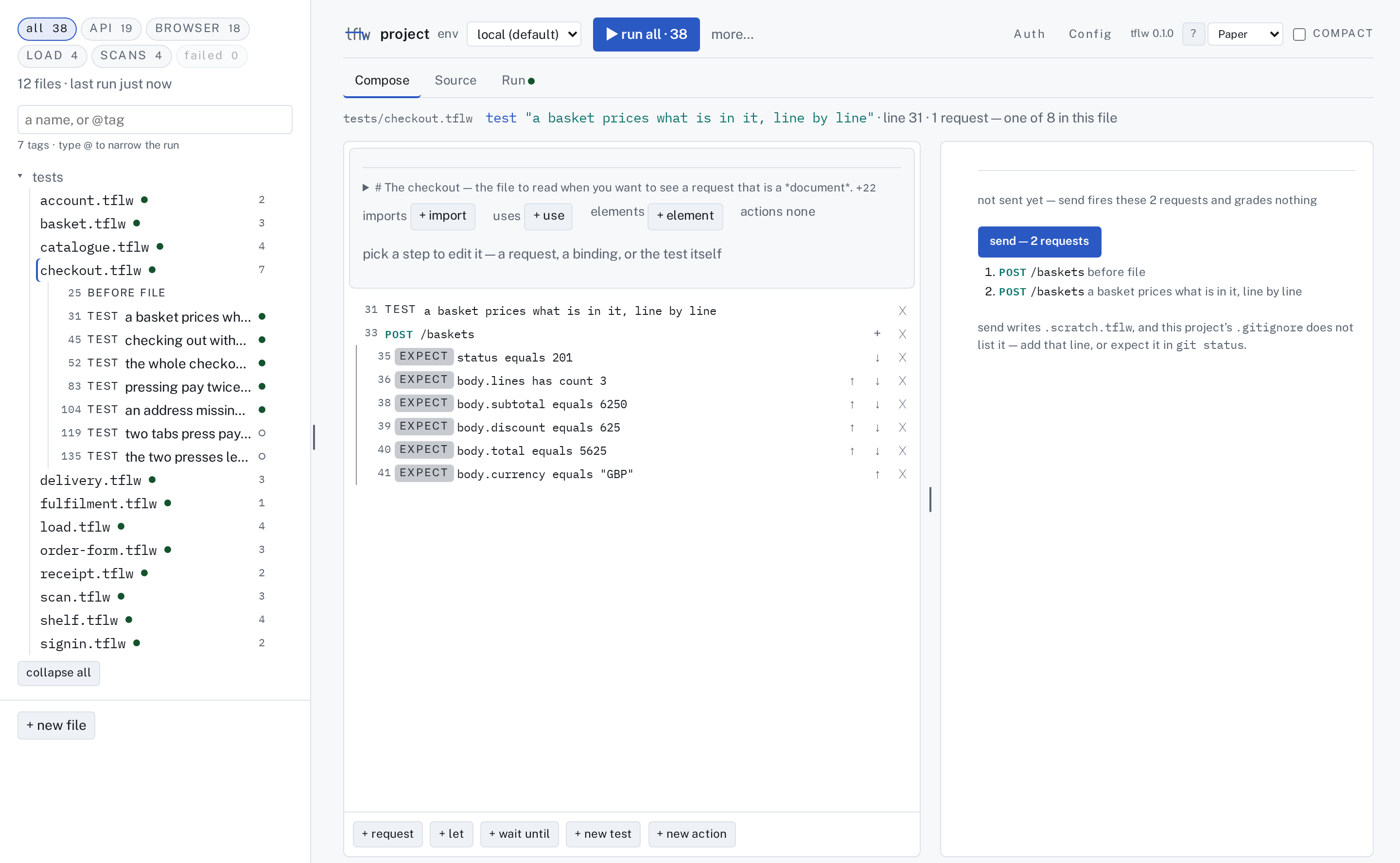
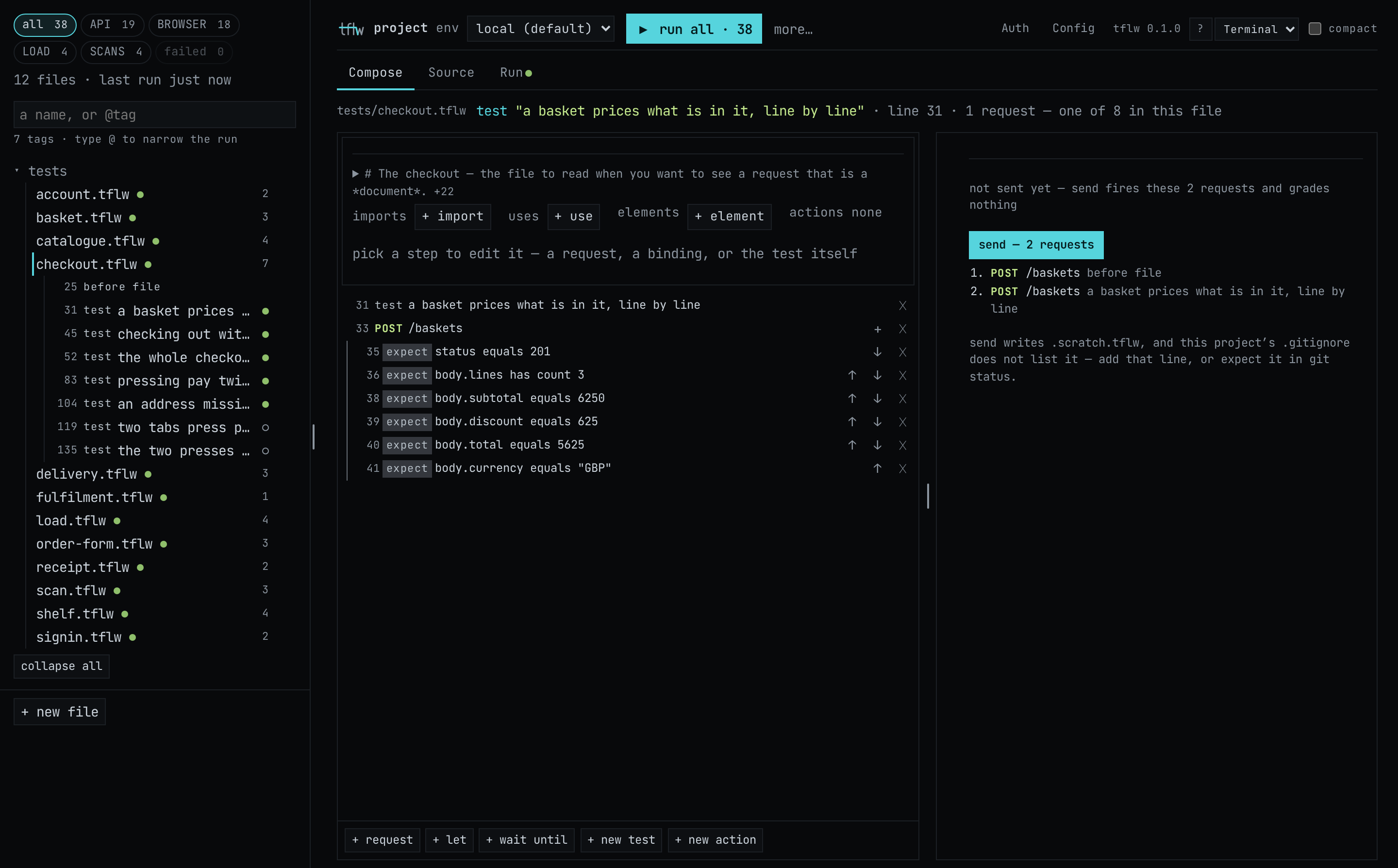
Everything so far happened in a terminal. tflw ui serves the same project as a page in your
browser: the files and what each one tests, an editor that writes .tflw for you, and every run
read beside the source that produced it. Nothing about the project changes because you opened it.
The page reads the files on disk and writes files back to disk, and tflw run and git see exactly
what it wrote.
The pictures in this chapter are of the Coffee Shelf as init --example wrote it. Your page also
lists the files you wrote in chapters 4 and 5, so its counts are a little higher.
Start it
Section titled “Start it”The shop from chapter 2 should still be running. In the project directory:
npx tflw ui --no-open &tflw ui — . at http://127.0.0.1:4141/?token=Kq8Zw (loopback only, this URL carries the session token; Ctrl-C to stop)Open the address it printed. Leave out --no-open and tflw ui opens it for you. The address
carries a token minted for this start, and the page refuses any request without it. The page
listens on loopback only, so nothing else on your network can reach it, and a new start means a new
token: an old address stops working.
What you are looking at
Section titled “What you are looking at”Across the top is one header: the project, the env a run reads, ▶ with what it will run,
and on the right Auth, Config, ? for the keys, and the theme. Down the left is the file
list, and over it the four kinds as chips: API, BROWSER, LOAD and SCANS, with
all in front and failed at the end. A chip is a count and a filter at once. Press LOAD and
the list shows only the files holding a load test, and ▶ runs only those. The header, the list with
its chips and the tabs over the open file are the page's spine: they stay put whatever
you open.
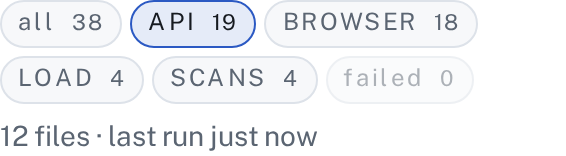
One test can count under more than one chip. The last test in catalogue.tflw places an order over
the API and then opens the shop page to read its price, so it is under both API and BROWSER. The dots beside a file are its last runs, from chapters 3
to 6. The four kinds says exactly what earns each chip.
Read a test
Section titled “Read a test”Pick fulfilment.tflw in the list. The page opens it on Compose: the test as a list of steps,
one row per line of the file, numbered by the line it is on. The column on the right is for what
came back when a request ran.
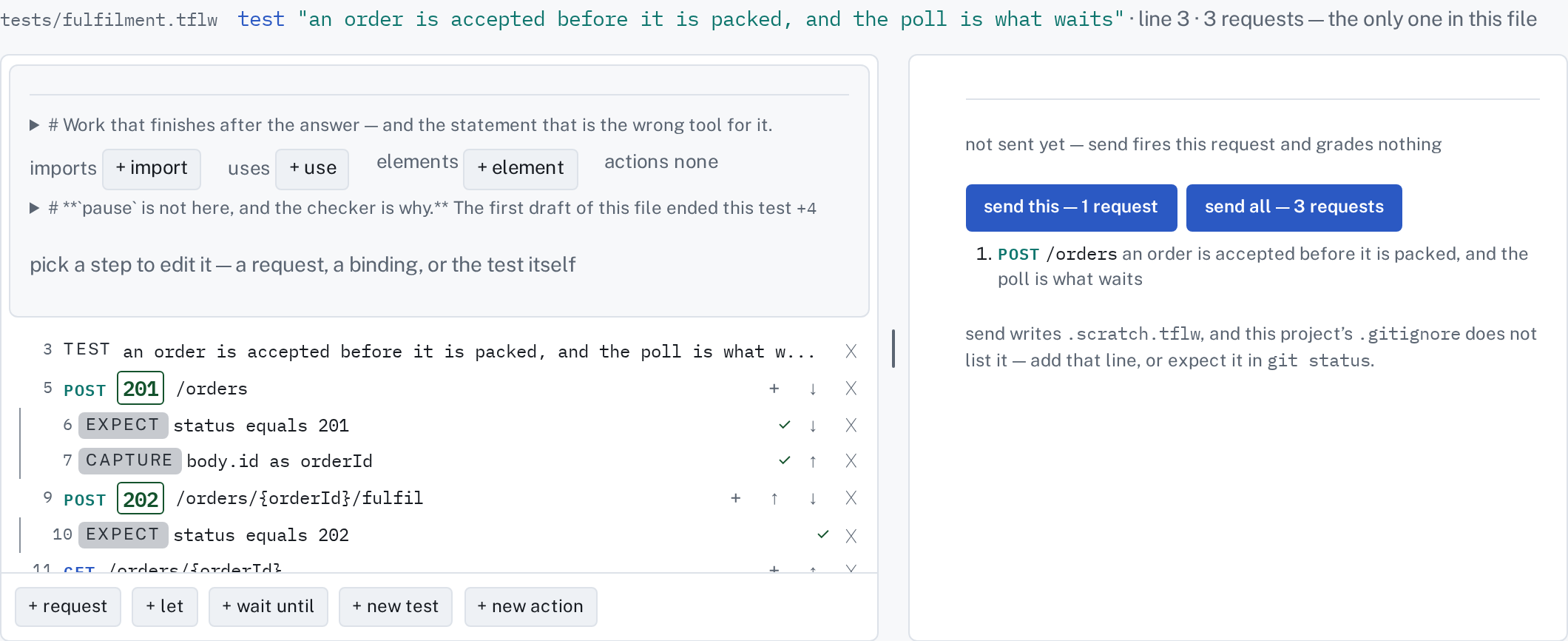
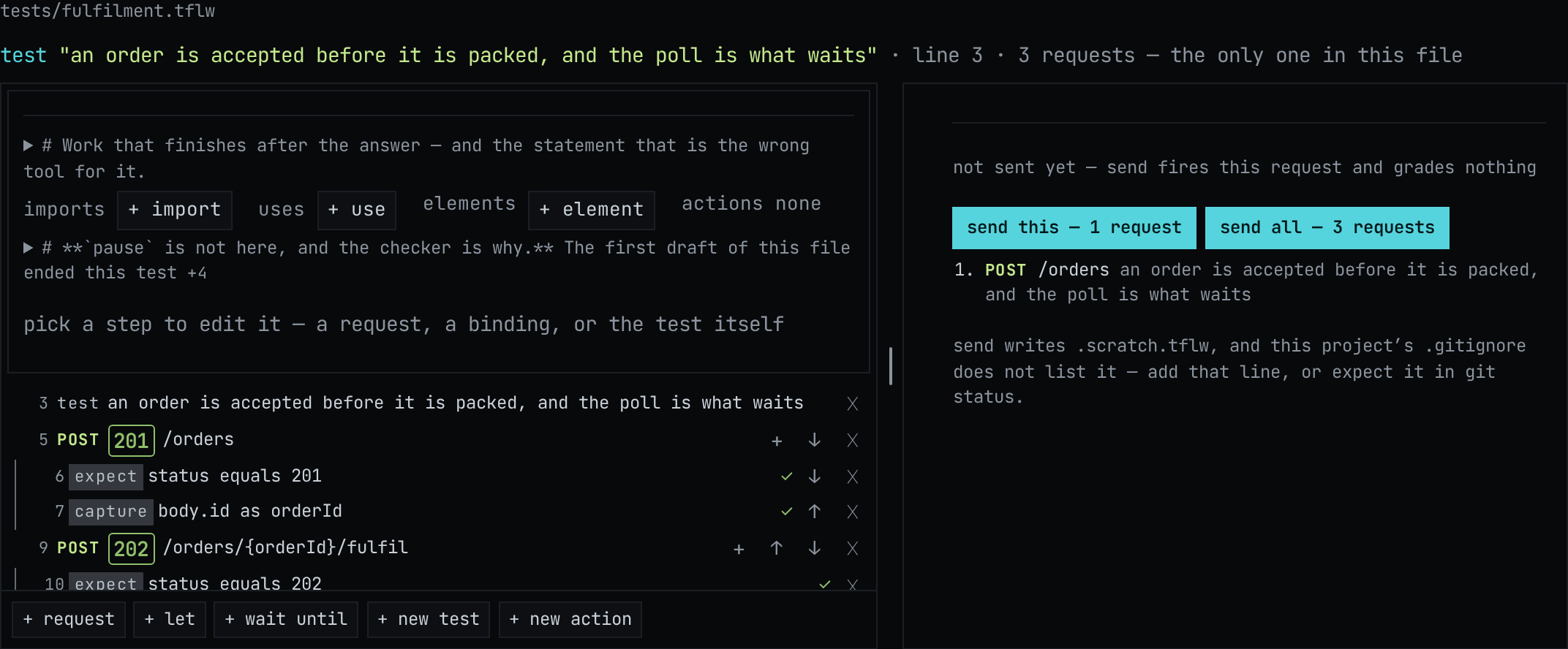
The tabs under the header are three views of the same file. Compose is the steps, Source is
the file as text, with the checker's problems underlined as you type, and Run is its last run.
Your own tests/my-order.tflw opens the same way. Its first two tests are one row each now,
post orders(2, 2800), the call refactor apply wrote in chapter 4, and shared/ sits in the list
beside tests/.
Change it
Section titled “Change it”The test places an order, asks the shop to fulfil it, and expects 202: the shop has accepted the
work and not done it yet. Make it wrong on purpose, to see what a failure looks like here. Pick the
row on line 10, expect status equals 202. It opens where it stands as its own editor: the subject,
the matcher and the value. Change the value to 200.
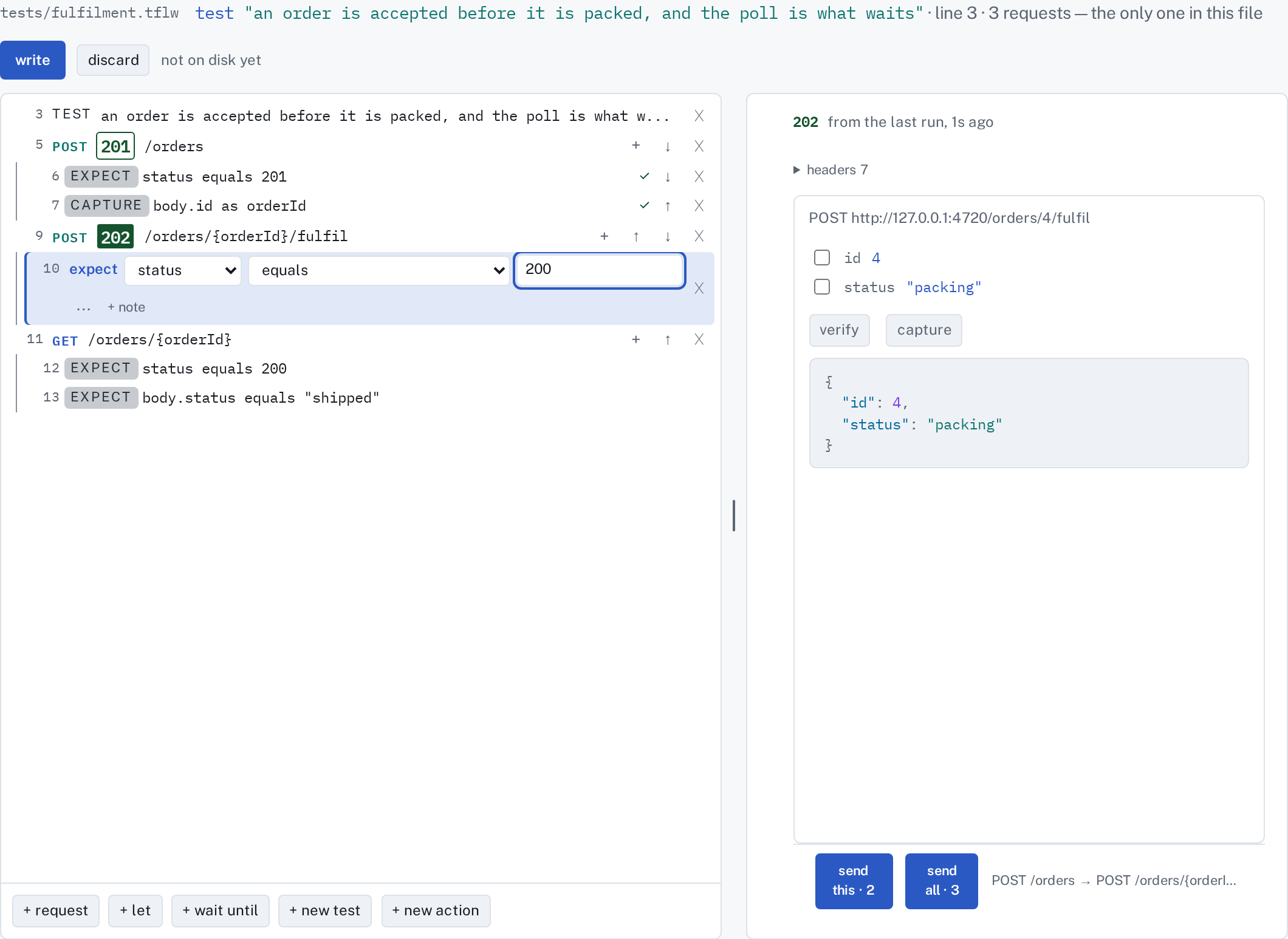
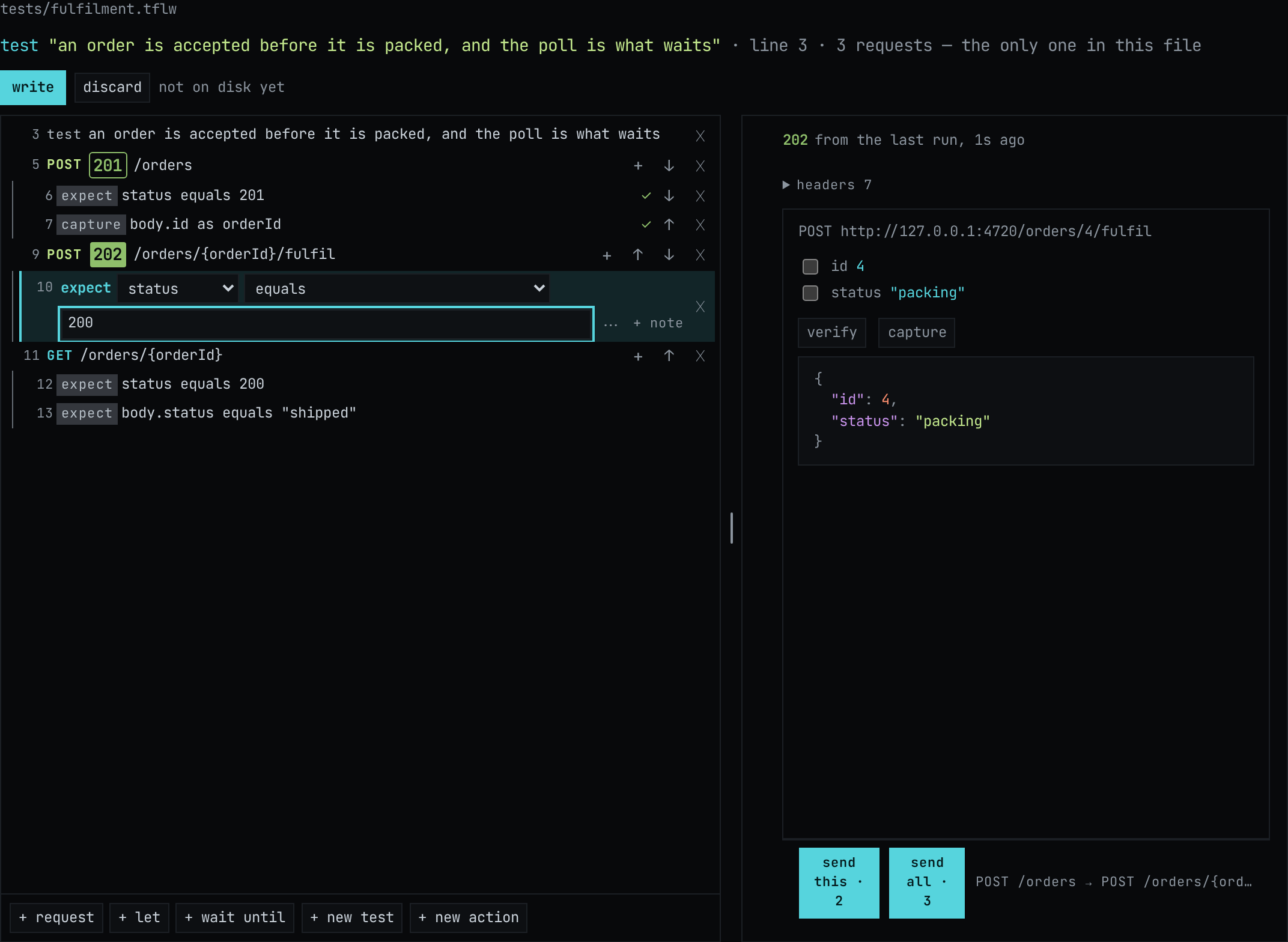
Nothing is on disk yet. write and discard appear above the steps, and the file and the
Source tab carry a dot. Look at Source and the line reads expect status equals 200: Compose and
Source are one draft, so an edit in either shows in both. Press Ctrl+S (⌘S on a Mac) to
write it. If another editor changed the file on disk since the page read it, the page refuses to
overwrite it and offers to re-read it instead.
Run it
Section titled “Run it”▶ in the header names what it will run: with fulfilment.tflw picked it reads
run fulfilment.tflw · 1. Press it, or Ctrl+Enter to run the open file. A run from the page is
an ordinary tflw run. It writes report/ and keeps itself under report/runs/, so it is a run
like every run in chapters 3 to 6.
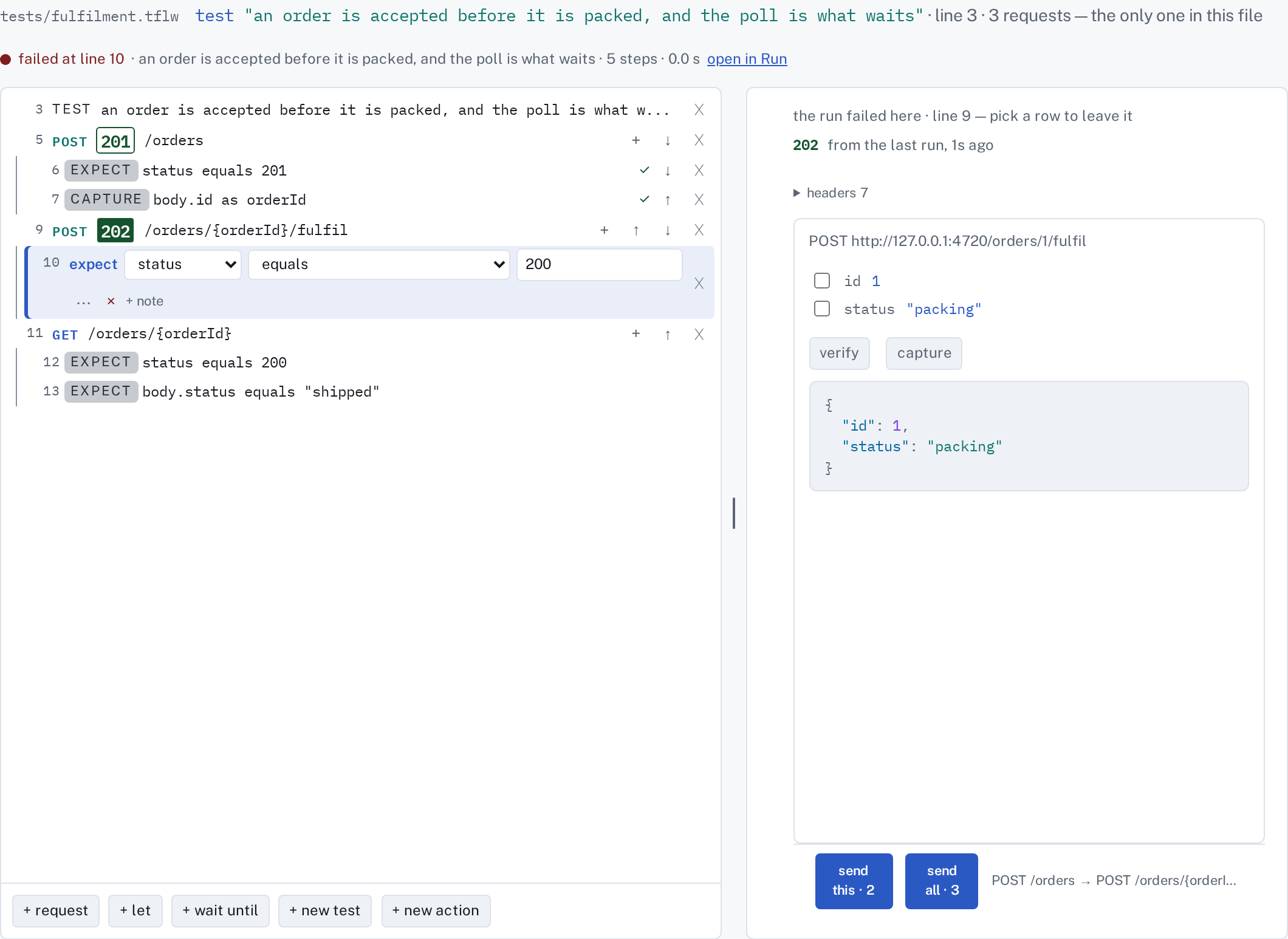
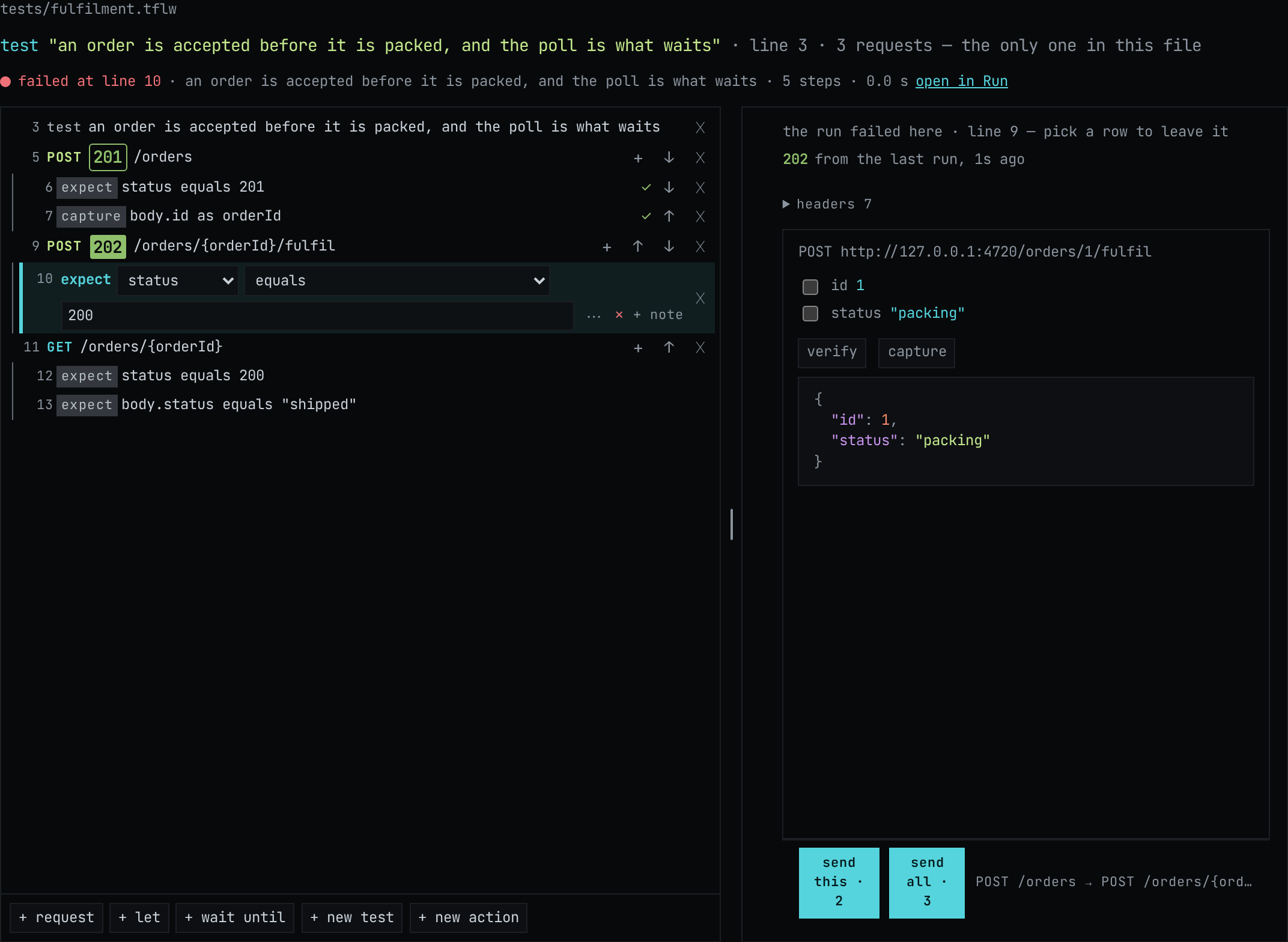
The steps fill in as the run goes. Each request shows the status it got (201, then 202), each
assertion that held is ticked, and the line over the steps says where it stopped: failed at line
10. The column on the right shows the response the failing step read: 202, and a body saying the order
is "packing". The file in the list and the failed
chip now say so too.
Read the run
Section titled “Read the run”open in Run, or the Run tab, reads the run as a tree by verdict, failures first. Pick the failed test:
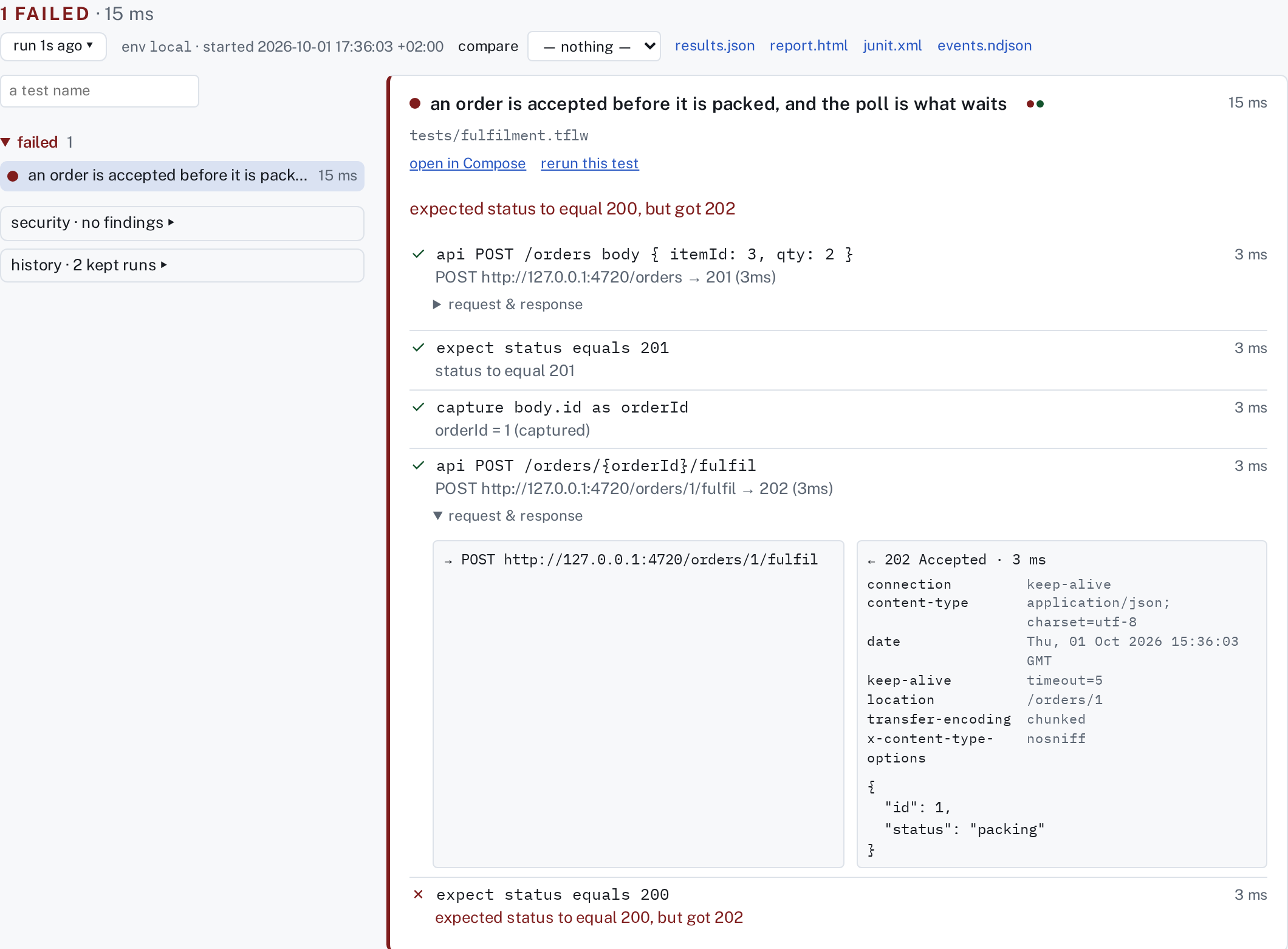
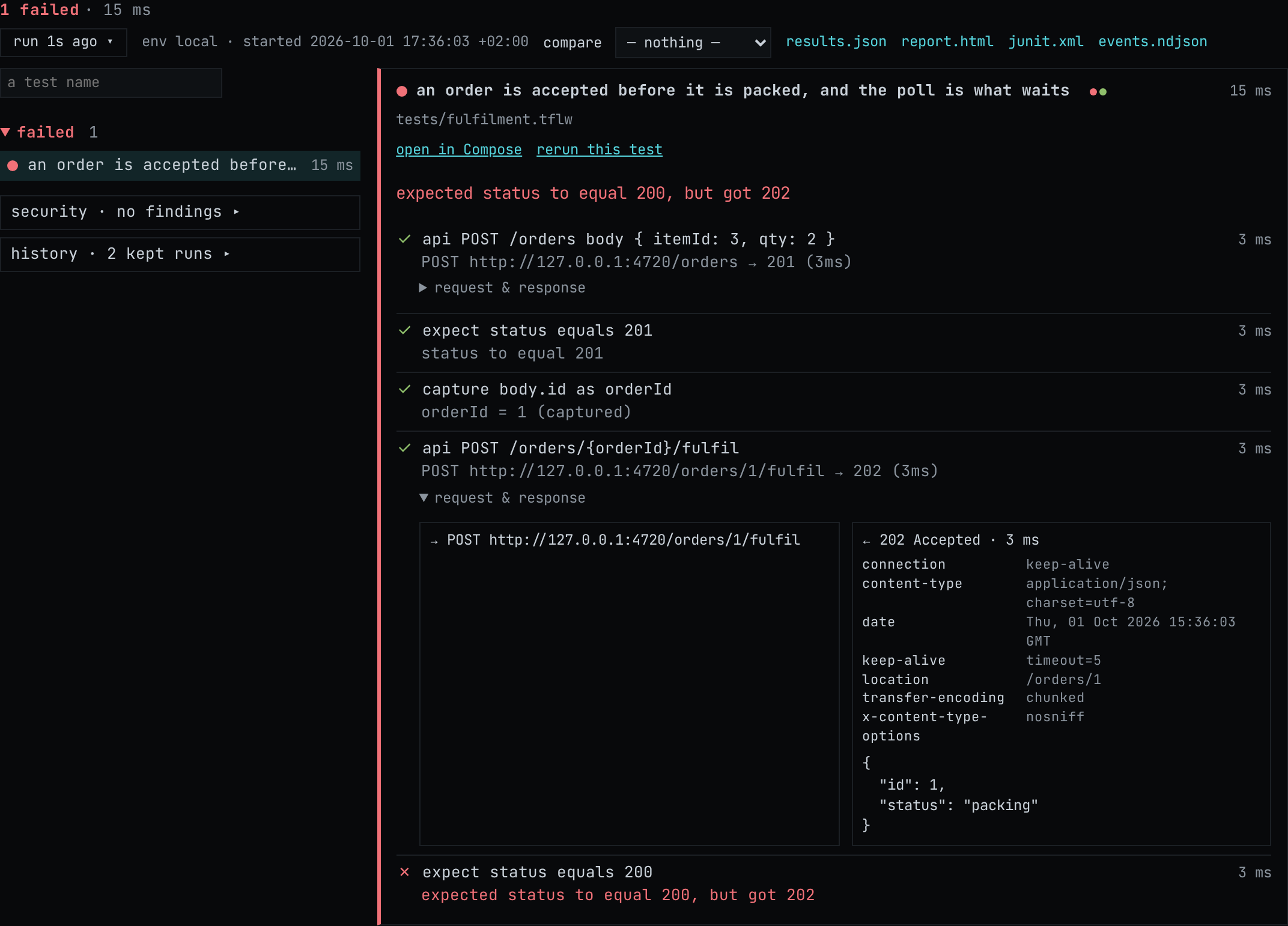
expected status to equal 200, but got 202: the same sentence tflw run prints, with every step
above it, each request and its response, and how long each took. The files the run wrote are linked
along the top: results.json, report.html, junit.xml. rerun this test runs it again, and
history lists its kept runs. Reading a run goes through the rest, including the
trace of a browser test.
Now put it back. Go to Compose, pick line 10, change 200 back to 202 and write it. Then check
from the terminal that the file is what it was, because chapter 9 runs it in CI:
npx tflw run tests/fulfilment.tflw…09:51:12.408 PASS 1/1 passed · env local · seed 4410 · now 2026-10-01T09:51:11.000Z · 912 ms…Config
Section titled “Config”Config in the header opens tflw.config in the same editor, with the same Ctrl+S. It is the
file chapter 2 described and chapter 6 relied on: the env, the shop's address, and the authorized target line that lets the scan run.
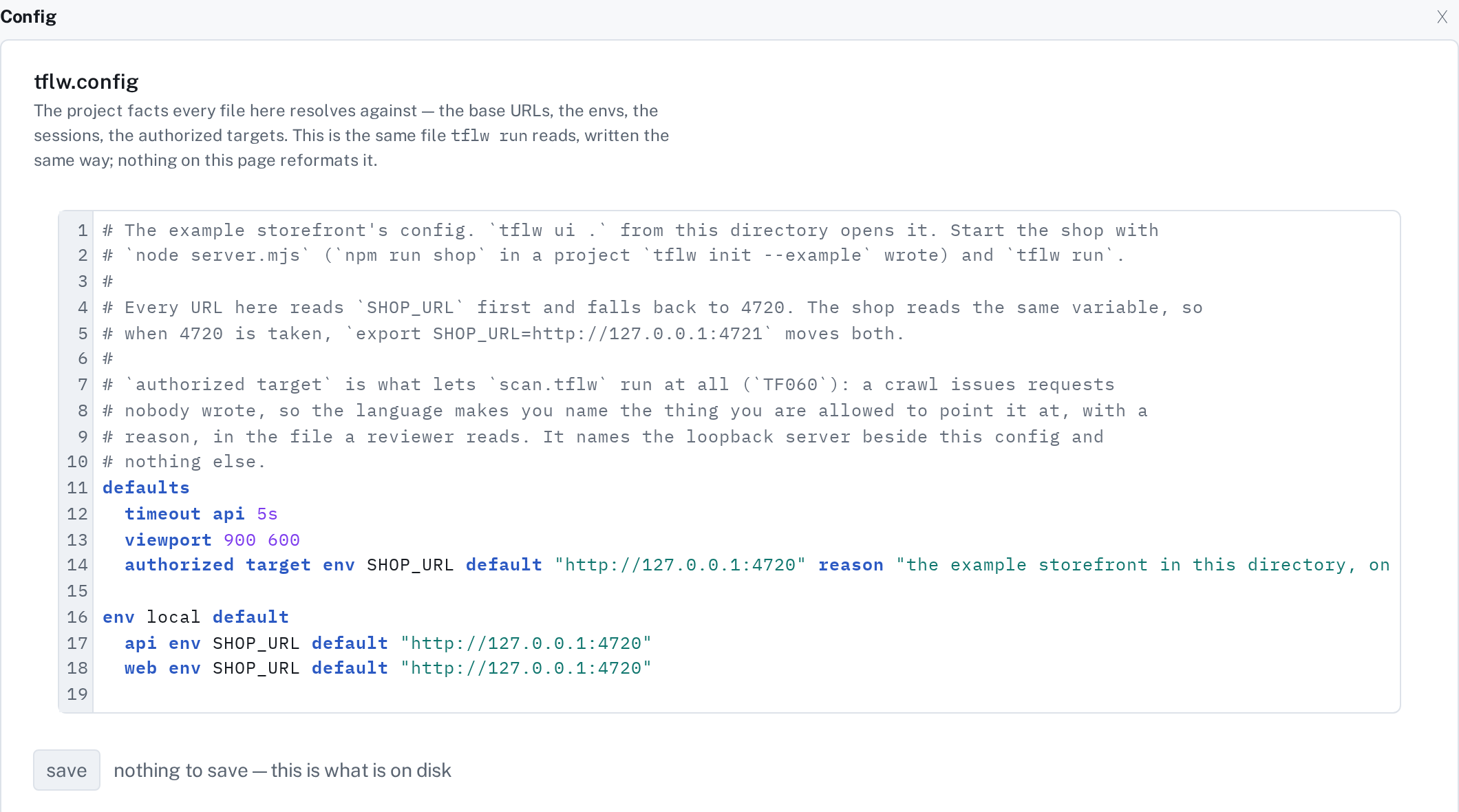
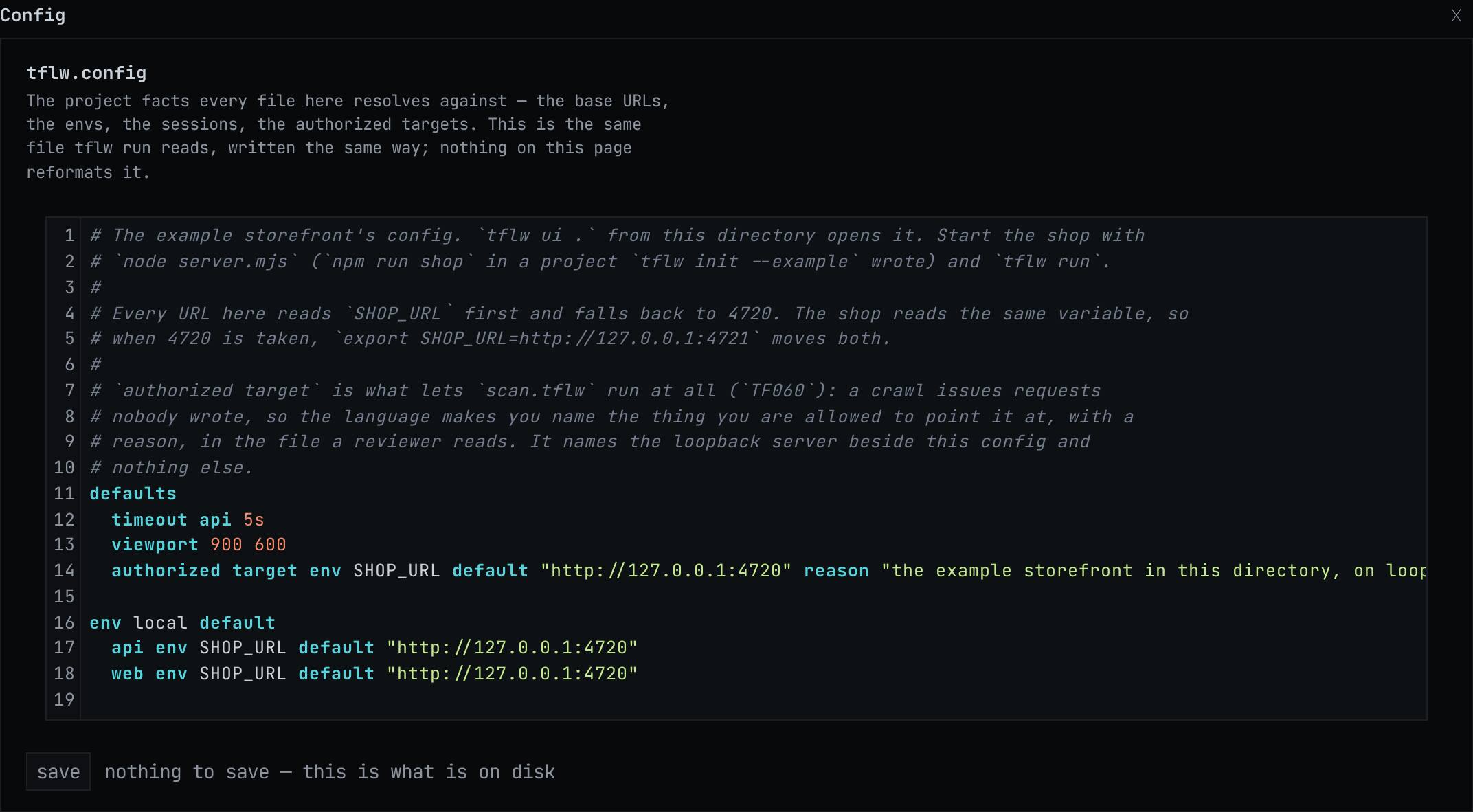
Auth, beside it, says who each file runs as. The Coffee Shelf has no sessions, so it has little to say here. Sessions is where that starts.
Writing a new step
Section titled “Writing a new step”Every test, request and step in Compose has a + for adding the next one: + request,
+ wait until and + new test under an API test, and + step… in a browser test, which lists
every kind of browser step the language has. Open receipt.tflw and press + step… to see them:
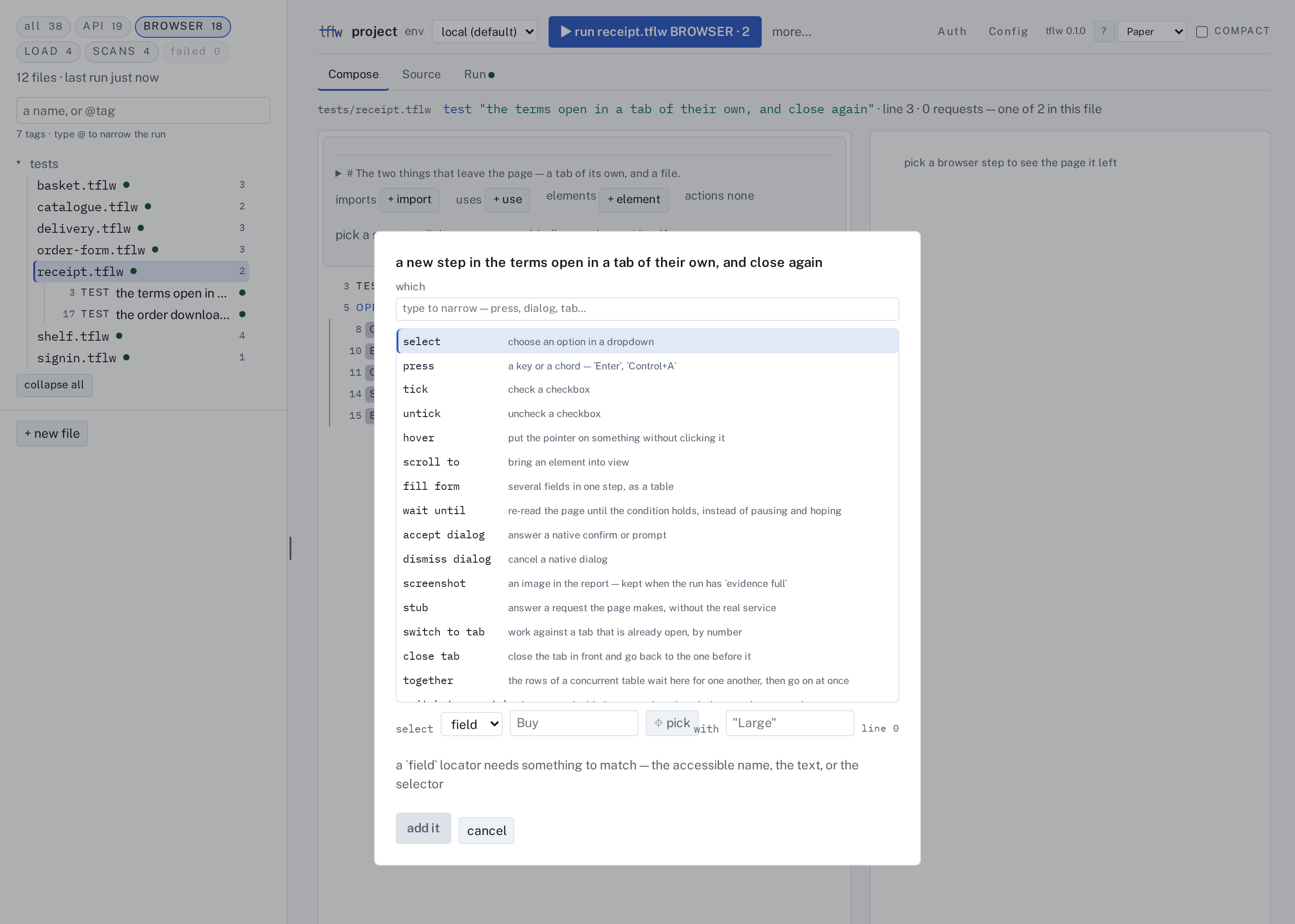
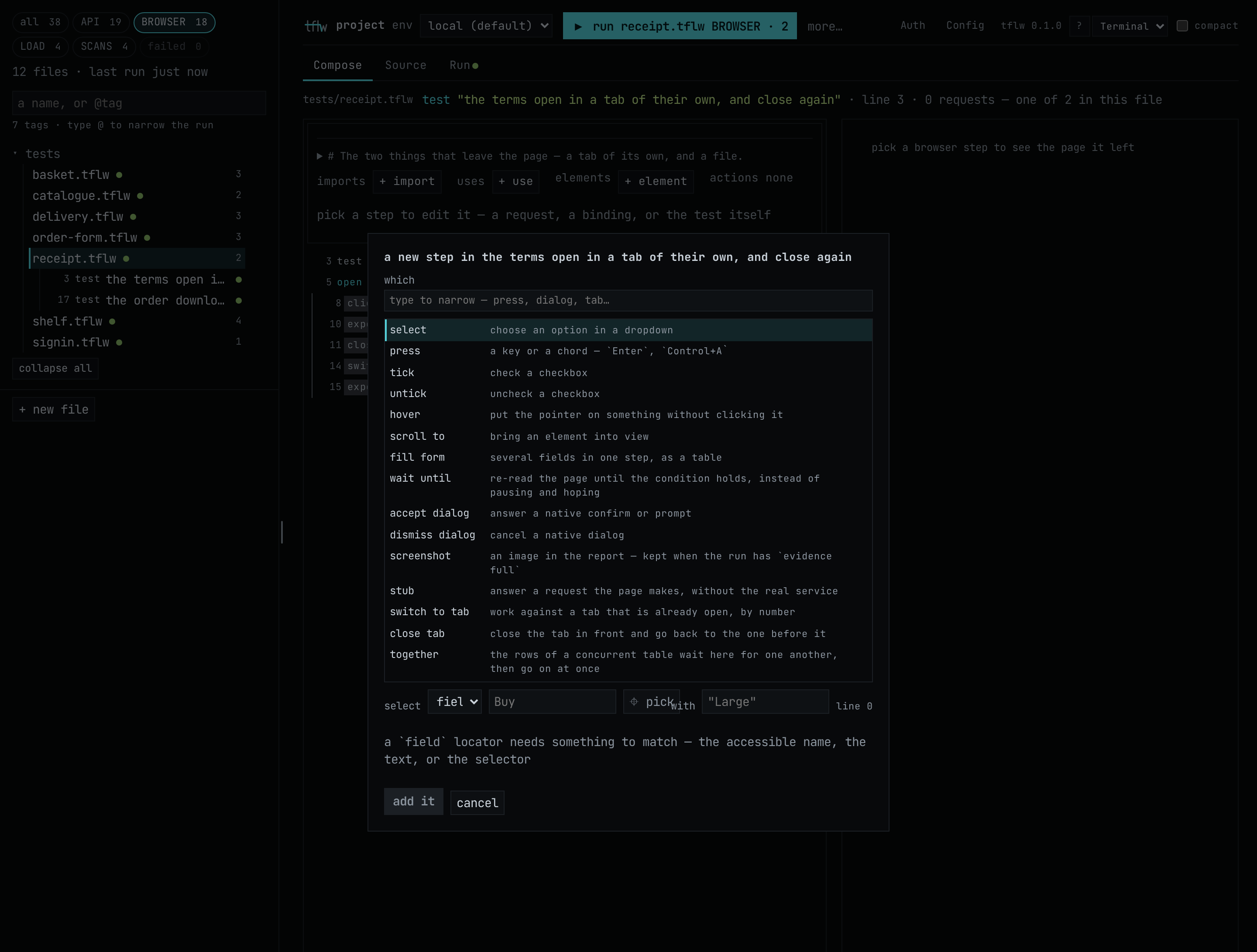
Pick one and fill in its fields, and the line it becomes is in Source. Composing a step and reading the line it writes is a quick way to learn the language. API tests and BROWSER tests go through each kind's fields, LOAD tests the plan panel a workload earns, and SCANS the targets block a scan gets.
When you are done
Section titled “When you are done”Press Ctrl+C where tflw ui is running. Here it ran in the background, so stop it by name:
pkill -f "tflw ui"You now have
Section titled “You now have”Opened the project as a page, changed a test in Compose, run it and read its failure, put it back, and seen the config and the step list. The project is as chapter 6 left it: the edit was written and undone.
Next, or instead
Section titled “Next, or instead”- Next: 8. The editor, which puts the same checker and completion in VS Code.
- Every surface of the page, one page each: The UI, starting with the spine. What the page deliberately does not do: What it will not do.
- The page as a how-to, with every key and the messages it shows: Working on the page.